A graphic LCD (liquid crystal display) differs fundamentally from character or segment displays by addressing each pixel individually within a dot‑matrix array. Instead of predefined alphanumeric fonts, the graphic LCD allows full bitmap rendering – curves, icons, foreign language scripts, waveforms, and even low‑frame‑rate animations. This flexibility makes it the workhorse for industrial human‑machine interfaces (HMIs), medical monitoring equipment, test instruments, and automotive dashboards.
The physical construction consists of a liquid crystal layer sandwiched between two glass substrates with transparent electrodes patterned as row and column drivers. When voltage is applied at specific intersections, the local twist of liquid crystal molecules modulates light transmission. A polarizer pair and a backlight (or reflector) complete the optical stack. While TFT‑LCDs dominate consumer electronics, the graphic LCD remains relevant because of its proven reliability in harsh environments, lower power consumption (for passive matrix types), and significantly lower unit cost at resolutions below 320×240.
For procurement and R&D engineers, the key decision is not “whether to use a graphic LCD” but “which variant – STN, FSTN, or DSTN – and with what controller interface and temperature grade.” The following sections dissect these choices based on measurable performance indicators.
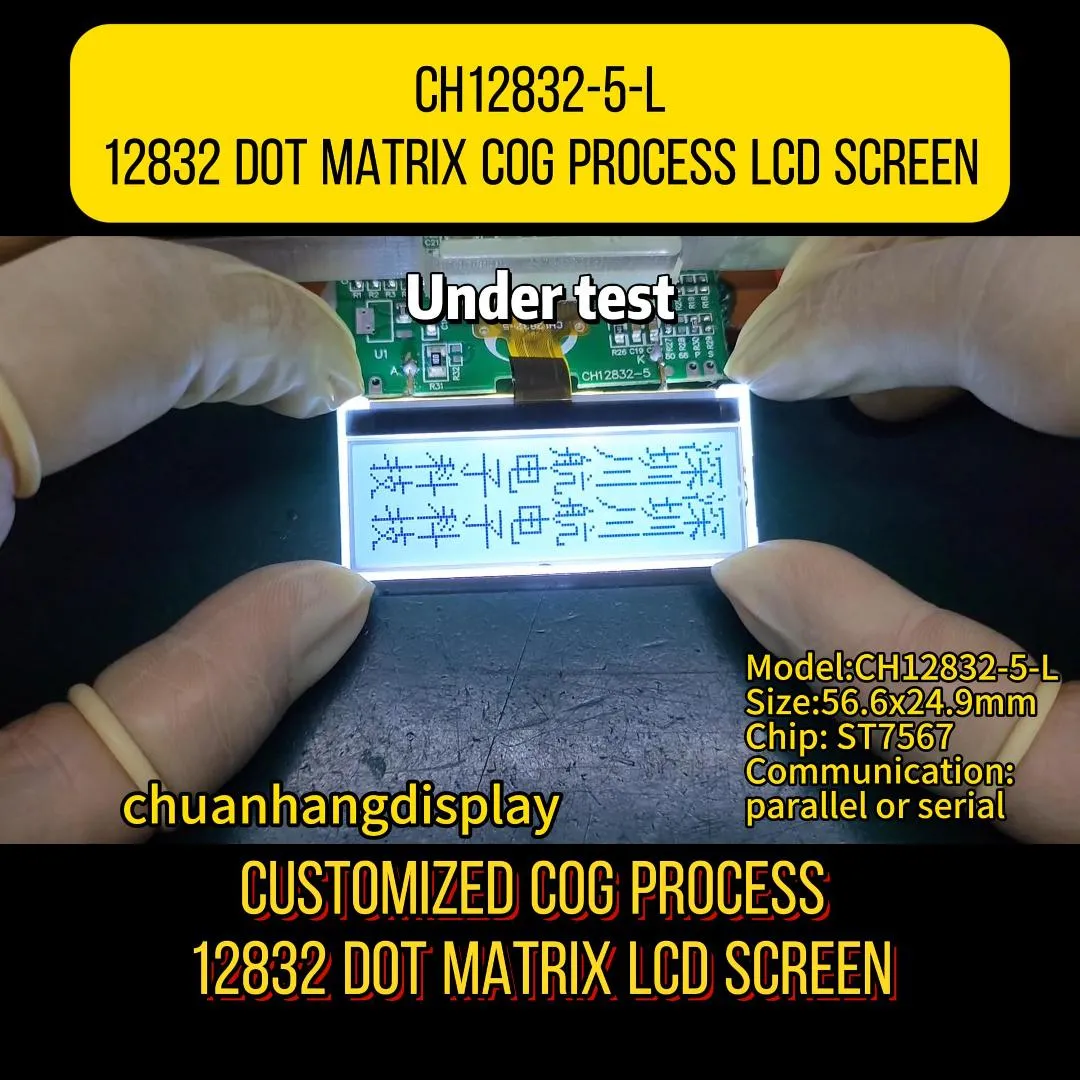
Resolution is expressed as horizontal × vertical pixels (e.g., 128×64, 240×128, 320×240). For a graphic LCD, the active area dimensions (in millimeters) determine pixel pitch, which affects readability at distance. Common pitches range from 0.25 mm to 0.40 mm. Higher resolution does not always mean better – it increases the required frame buffer and controller processing load. For most industrial panels, 128×64 offers a sweet spot for simple icons and menus, while 240×128 suffices for process diagrams with moderate detail.
Most graphic LCD modules integrate a dedicated controller IC – frequently the SED1530, RA8806, or ST7920 (for parallel interfaces) and newer SPI/I²C variants for lower pin count. The controller manages refresh timing, internal display RAM (DDRAM or GDRAM), and command sets. Interface choices:
When evaluating a graphic LCD, check the controller’s built‑in font generator (if any) and the ability to handle partial screen updates – critical for reducing MCU workload.
Industrial‑grade modules are rated from -20°C to +70°C (operating), while automotive or military grades extend to -40°C to +85°C. The liquid crystal material’s viscosity increases at low temperatures, slowing response; high temperatures reduce contrast. Many suppliers offer built‑in temperature compensation circuits that adjust the driving voltage to stabilise contrast across the range. For outdoor applications, consider a transflective polariser that uses ambient light, combined with a high‑brightness LED backlight.
| Application | Recommended Resolution | Preferred Technology | Backlight Type |
|---|---|---|---|
| Handheld multimeter | 128×64 | FSTN reflective | None (or edge LED) |
| Industrial panel PLC | 240×128 | FSTN transflective | High‑brightness white LED |
| Medical syringe pump | 128×64 | STN (with heater) | Green or white LED |
| Automotive cluster | 320×240 | DSTN or FSTN | Red/amber LED for night vision |
| Home automation thermostat | 64×32 | TN (low cost) | Side‑lit LED |
In each case, the graphic LCD is chosen not for its pixel density but for its deterministic behaviour – no flicker, no burn‑in, and predictable lifetime (>50,000 hours for LED backlight). For medical devices, the FDA requires full traceability of every component; hence suppliers like Chuanhang Display provide full material declarations and change‑notification procedures.
The “panel technology” acronyms (TN, STN, FSTN, DSTN) refer to the liquid crystal mode and compensation films:
Backlighting is equally critical: LED backlights are ubiquitous, available in white, green, blue, amber, or red. Edge‑lit guides are thinner but less uniform; array‑backlit (direct‑lit) offers better uniformity for larger panels. For sunlight‑readable designs, a transflective polariser (which reflects ambient light through the LCD) can reduce backlight power by 60‑80%. Always request the backlight’s forward voltage and current curves – many graphic LCD failures stem from improper current limiting, not the glass itself.
Procurement professionals often ask why a graphic LCD from one vendor costs $8 while another quotes $28. The gap arises from:
To benchmark cost, request a full BOM (bill of materials) breakdown and ask for the CPK (process capability index) of the assembly line. Reliable vendors provide this transparently.
When sourcing a graphic LCD, avoid relying solely on Alibaba listings. Use these steps:
Remember that a graphic LCD is a long‑life component – many industrial designs remain in production for 10‑15 years. Thus, supplier stability (financial health, raw material buffer stock) matters more than a few cents per unit.
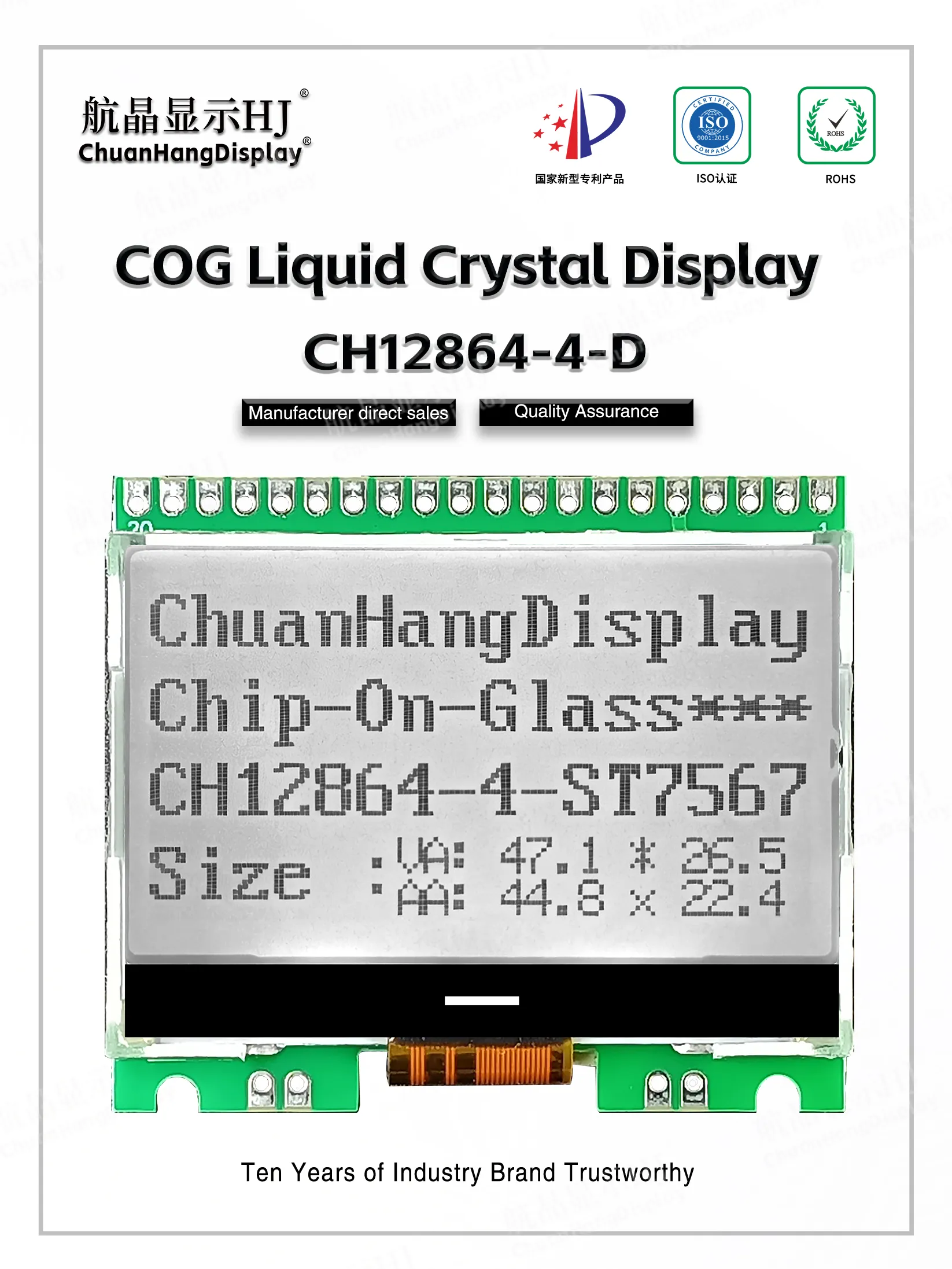
While TFT panels have dropped in price, they still require a framebuffer with higher processing overhead and consume 5‑10× more power for backlight. E‑paper offers ultra‑low power but has slow refresh and lacks backlight for dark environments. The graphic LCD thus occupies a stable niche: moderate resolution, moderate power, excellent readability under direct sunlight (with transflective mode), and no flicker that could trigger epilepsy in sensitive users.
Newer developments include:
These enhancements keep the graphic LCD competitive, especially for handheld diagnostic tools, portable gas detectors, and industrial knobs with integrated displays. As an engineering community, we should continue to specify clear optical metrics (contrast ratio under 500 lux ambient, luminance uniformity >75%) rather than generic marketing claims.
Q1: Can a graphic LCD display live video or fast animations?
A1: No. Passive graphic LCDs have typical response times of 150‑300 ms, which creates motion blur. They are optimised for static or slowly changing data (e.g., trend graphs updating once per second). For video, choose TFT‑LCD with active‑matrix drive.
Q2: What is the typical lifetime of the LED backlight in a graphic LCD module?
A2: Under rated current (usually 20‑30 mA per LED), the backlight L50 lifetime is ≥50,000 hours (≈5.7 years of continuous operation). However, running at higher current for brightness can reduce this to 20,000‑30,000 hours. Always design with derating – aim for 80% of the maximum current.
Q3: How do I interface a 3.3V microcontroller with a 5V graphic LCD?
A3: Most modern graphic LCDs support both 3.3V and 5V logic via a separate VDDIO pin. If the module is strictly 5V, use level shifters (e.g., 74LVC245) for bi‑directional data lines. Never drive 5V inputs directly from 3.3V outputs without checking the VIH threshold – many controllers tolerate 3.3V as logic high, but confirm in the datasheet.
Q4: Why does my graphic LCD show faint characters or uneven contrast?
A4: Common causes: (1) incorrect operating voltage (VOP) – adjust via the internal potentiometer or software command; (2) temperature mismatch – contrast drifts with temperature, so enable the built‑in temperature sensor if available; (3) poor grounding on the FPC – add a 0.1 µF capacitor near the connector. Also check the bias ratio setting – most controllers allow 1/9, 1/11, or 1/13 bias; choose according to the LCD glass specification.
Q5: Is it cheaper to buy a graphic LCD module or build a custom one with our own glass?
A5: Custom glass (designing your own electrode pattern) only becomes cost‑effective above 50,000‑100,000 units per year because the mask tooling costs $5,000‑$15,000. For volumes below that, use standard off‑the‑shelf modules with standard resolutions (128×64, 192×64, 240×128). Many suppliers, including Chuanhang Display, offer semi‑custom options – they adjust the FPC outline, LED colour, and voltage without changing the glass, at minimal NRE.
Specifying a graphic LCD is a cross‑functional exercise – it requires balancing optical performance, electrical interface, mechanical fit, environmental margins, and total cost of ownership. Start with a clear requirement matrix: resolution, viewing angle, temperature range, backlight brightness (cd/m²), and interface type. Then request samples from at least two vendors and perform a 100‑hour burn‑in test with your actual drive waveforms.
For mission‑critical projects, partner with suppliers that have a dedicated FAE (field applications engineering) team to assist with timing tuning and EMC (electromagnetic compatibility) layout. Chuanhang Display, for instance, provides impedance‑controlled FPC options and pre‑matched voltage settings for common MCU platforms (STM32, PIC, NXP), reducing your development cycle by 2‑3 weeks.
Do not treat the graphic LCD as a commodity. The difference between a stable, long‑lasting display and one that fades or develops dead lines after a year lies in the polariser quality, the controller’s electrostatic protection (HBM > 4 kV), and the vendor’s process control. Invest time in upfront qualification – it pays back in field reliability.
Contact our engineering support team for a cross‑reference analysis, sample kit, and volume pricing tailored to your project timeline.
For direct inquiries, please provide your target resolution, interface preference, operating temperature range, and estimated annual volume – we will reply within 8 business hours with a complete quotation and technical datasheet package.
(Inquiry form or email link – replace with your actual contact mechanism)