In the world of electronics, conveying information clearly is a priority. While flashy touchscreens get the marketing attention, the humble character LCD remains the backbone of the industrial and hobbyist sectors. These displays offer a perfect balance of simplicity, low power consumption, and reliability. You see them on coffee machines, industrial control panels, and server racks. They do one thing, and they do it well: display alphanumeric text.
Engineers favor these modules because they are easy to integrate. You do not need a powerful graphics processor to drive them. A simple microcontroller can send text to the screen with minimal code. This efficiency makes them a staple in designs where stability matters more than high-resolution graphics.
Finding high-quality modules can sometimes be a challenge amidst the sea of generic components. This is where specialized manufacturers make a difference. Brands like Chuanhang Display focus on producing robust screens that stand up to rigorous daily use, ensuring that the text remains crisp and the backlight stays bright for years.
This guide covers everything you need to know about these displays. We will look at how they work, how to connect them, and why they remain relevant.
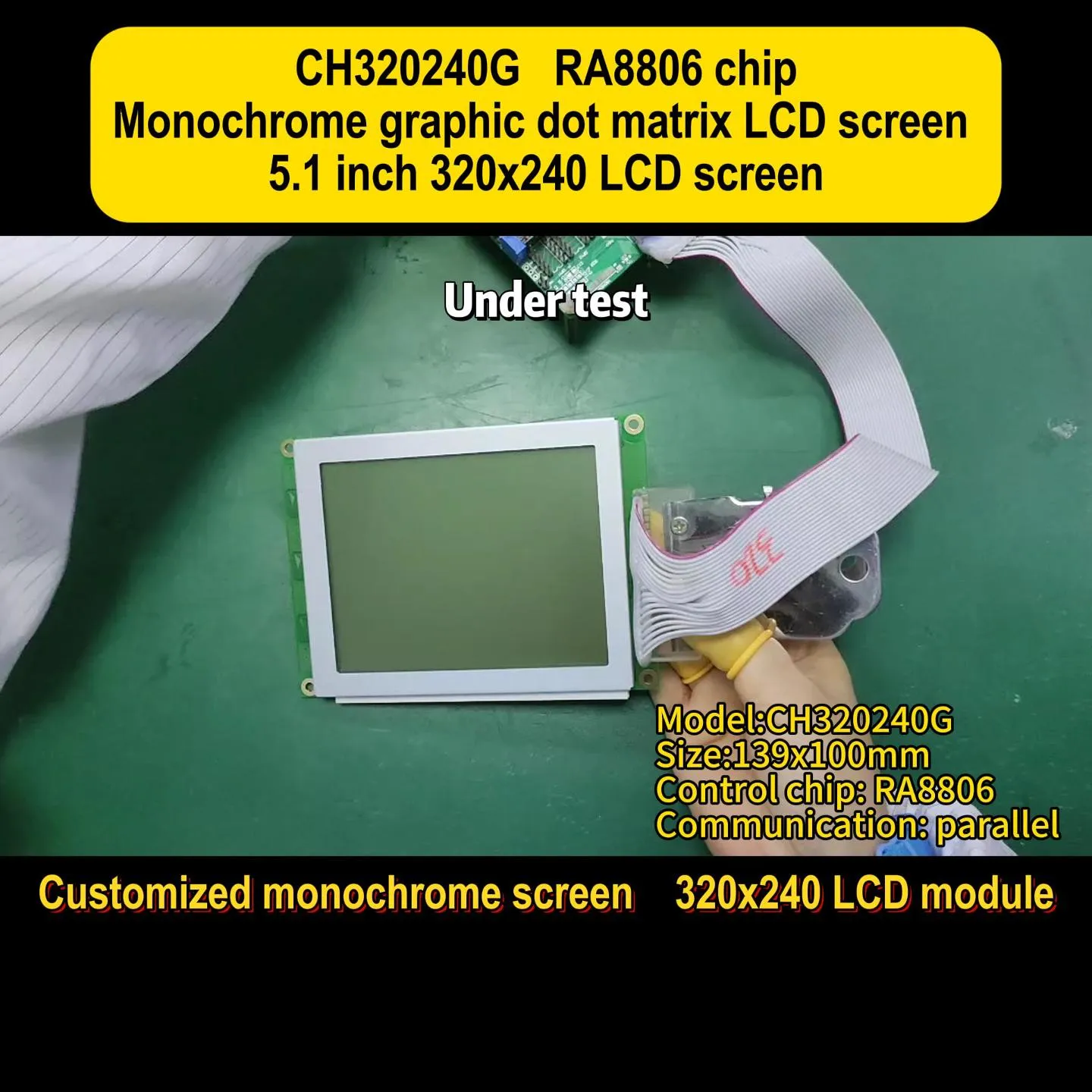
A character LCD (Liquid Crystal Display) is a specific type of display module designed to show text and numbers. Unlike a graphic LCD, which controls individual pixels to draw images, a character module uses fixed blocks of pixels. Each block, often a 5x8 or 5x7 dot matrix, displays a single ASCII character.
The internal controller handles the heavy lifting. It contains a built-in generator that translates ASCII code into the visual dot pattern. This means your code only needs to send the letter "A" rather than telling the screen which dots to turn on to form that letter.
These screens typically come in standard configurations. The numbers refer to the characters per line and the number of lines. A 16x2 character LCD displays 16 characters across two rows. Other common sizes include 8x1, 20x4, and 40x2.
Key components include:
LCD Glass: The layer containing the liquid crystal fluid.Controller IC: Usually an HD44780 or compatible chip.Backlight: LED array (usually yellow-green, blue, or white) that illuminates the text.Bezel: The metal frame that holds the assembly together and provides structural support.
Not all screens look the same. The visual performance of a character LCD depends heavily on the type of fluid technology used inside the glass. Understanding these acronyms helps you choose the right screen for your environment.
TN (Twisted Nematic)This is the most basic technology. It is cheap and has a fast response time. However, the viewing angles are narrow. If you look at a TN screen from the side, the text might disappear or look inverted. These are best for budget projects where the user stands directly in front of the device.
STN (Super Twisted Nematic)STN improves upon TN by twisting the crystal molecules at a steeper angle. This results in better contrast and wider viewing angles. You will often see these in yellow-green or blue modes. They are the industry standard for general-purpose equipment.
FSTN (Film Compensated Super Twisted Nematic)This is the premium choice for a monochrome character LCD. It uses a special retardation film to remove the color shifts seen in STN screens. The result is a sharp black-and-white display with high contrast. FSTN is excellent for outdoor devices or environments with variable lighting.
Getting data from your microcontroller to the display requires a communication protocol. Most modules offer flexibility here, but your choice affects how many pins you use on your main board.
Parallel Interface (6800 Mode)This is the classic connection method. It involves sending data usually in 4-bit or 8-bit chunks.
Pros: Very fast data transfer; no complex timing libraries required.Cons: It uses a lot of wires (at least 6 or 7 pins for 4-bit mode).Best for: Projects where you have plenty of I/O pins available.
I2C (Inter-Integrated Circuit)Many modern modules come with an I2C "backpack" or support I2C natively. This protocol uses only two data wires (SDA and SCL) plus power.
Pros: Saves massive amounts of wiring; easy to daisy-chain with other sensors.Cons: Slightly slower than parallel (though usually imperceptible for text).Best for: Complex systems with limited microcontroller pins.
SPI (Serial Peripheral Interface)SPI is less common for simple text screens but is used in some high-speed industrial versions. It requires 3 or 4 wires and is faster than I2C.
You might wonder why engineers still choose these simple screens when high-definition TFTs exist. The answer lies in practicality and reliability. A fancy graphic screen requires a framebuffer, a fast processor, and significant power.
Low Power ConsumptionA standard character LCD consumes very little energy. If you disable the backlight, the logic circuit draws only a few milliamps. This makes them ideal for battery-powered handheld devices.
Sunlight ReadabilityTFT screens often wash out in direct sunlight. A reflective or transflective character module actually gets easier to read as the sun gets brighter. This is a critical safety feature for outdoor industrial meters.
Simplicity of CodeWriting a driver for a color graphical interface is complex. You have to manage fonts, colors, and refresh rates. With a character module, you simply send a string of text. This leaves the microcontroller free to handle critical tasks like motor control or sensor monitoring.
Companies that prioritize long-term availability, such as Chuanhang Display, understand this need. They provide modules that maintain the same pinout and dimensions for years, ensuring that you don't have to redesign your product just because a screen went out of production.
Choosing the wrong display can lead to user frustration. A screen that looks good on a workbench might fail in a freezing warehouse. Here is a checklist to guide your selection process.
1. Operating TemperatureStandard displays usually work between 0°C and 50°C. If you are building a device for a car dashboard or an outdoor kiosk, you need a "Wide Temperature" model. These can operate from -20°C to +70°C or even wider ranges.
2. Viewing DirectionLiquid crystals are optimized for a specific viewing angle. This is usually expressed as a clock face (6:00 or 12:00).
6:00 View: Optimized for viewing from below (ideal for devices mounted at eye level).12:00 View: Optimized for viewing from above (ideal for desktop devices).
3. Backlight ColorThe backlight affects readability and aesthetics.
Yellow-Green: The most common and easiest on the eyes for long periods.Blue with White Text: Looks modern and high-tech but has lower contrast in bright rooms.White with Black Text: Very sharp, similar to e-paper, excellent for medical devices.
4. VoltageOlder logic operates at 5V, but modern microcontrollers (like ESP32 or STM32) use 3.3V. Ensure your character LCD matches your system voltage, or use a logic level shifter. Using a 5V display with a 3.3V controller without conversion can result in dim text or damage.
The versatility of the character LCD allows it to fit into countless sectors. Its primary job is to provide status updates without distracting the operator.
Medical EquipmentInfusion pumps and ventilators use these screens to show vital numbers. The high contrast ensures mistakes are minimized. In critical care, simple is safe.
Industrial AutomationOn factory floors, Variable Frequency Drives (VFDs) and PLC interfaces use text displays to show error codes and motor speeds. The screen must withstand vibrations and electrical noise.
Point of Sale (POS) SystemsThe customer-facing display on a cash register is almost always a 20x2 character module. It shows the price and item name clearly.
Test and MeasurementMultimeters, oscilloscopes, and signal generators often use these screens for configuration menus. Manufacturers like Chuanhang Display often supply these sectors, providing customized polarization options to fit specific instrument cases.
Even experienced engineers run into issues when bringing up a new display. Here are the most common problems and how to fix them.
The "Black Boxes" IssueIf you turn on your display and see a row of solid black blocks on the top line, your display is receiving power but has not been initialized correctly.
Fix: Check your code. Ensure you are sending the correct initialization command sequence. Also, check your wiring to the Enable (E) and Register Select (RS) pins.
Display is Blank (No Text, No Blocks)This is usually a contrast issue. Pin 3 (V0) controls the contrast voltage.
Fix: Connect a potentiometer between VCC and GND, with the wiper going to Pin 3. Twist the pot until the text appears. If Pin 3 is left floating, the text will often be invisible.
Garbage CharactersIf the screen shows random symbols instead of text, you likely have a timing mismatch or loose data wires.
Fix: Slow down your communication speed. Add small delays in your code between sending commands. Check for bad solder joints on the data bus.
Dim BacklightThe LED backlight needs a current-limiting resistor.
Fix: Check the datasheet. Some modules have a resistor built-in (usually R8 or R9 on the back PCB), but many require an external resistor on the anode pin. Without it, you might burn out the LED or draw too much current.

Technology evolves, but the character LCD is not going anywhere. While OLEDs and TFTs grow in popularity for consumer gadgets, the character module owns the reliability niche. They are immune to burn-in issues that plague OLEDs and are far more rugged than fragile touchscreens.
We are seeing small evolutions. COG (Chip-on-Glass) technology is making these modules thinner and lighter. Interfaces are standardizing around I2C to reduce copper usage. However, the core proposition remains: reliable text display at a low cost.
For engineers, mastering this component is a rite of passage. It teaches the fundamentals of digital timing, memory mapping, and hardware interfacing. Whether you are prototyping a smart home thermostat or designing a controller for a heavy-duty CNC machine, this display is a component you can trust.
The character LCD is a testament to the idea that newer is not always better. Its longevity in the market proves its value. It offers high contrast, low power consumption, and ease of use that complex graphical displays cannot match for simple data tasks.
When selecting a module, pay attention to the viewing angle, temperature range, and backlight type. These small details determine if your product feels premium or cheap. And remember, the quality of the manufacturing matters. Sourcing from a reputable vendor like Chuanhang Display ensures consistent performance and prevents the headaches associated with low-grade components. By understanding the nuances of these displays, you ensure your project communicates clearly and effectively with the world.
Q1: What is the difference between a character LCD and a graphic LCD?
A1: A character LCD has a pre-defined grid of pixels designed specifically to display text and numbers (usually based on ASCII). A graphic LCD allows you to control every individual pixel on the screen, enabling you to draw curves, images, and custom fonts, but it requires more complex programming and memory.
Q2: Can I use a 5V character LCD with a 3.3V microcontroller like a Raspberry Pi or ESP32?
A2: It depends. The display might work but look dim, or it might not register the 3.3V signals as "high." The best practice is to use a logic level shifter for the data lines and power the LCD logic with 5V. Some modern modules are designed to be 3.3V compatible natively, so check the datasheet.
Q3: How do I adjust the contrast on my display?
A3: Contrast is controlled by the V0 pin (usually Pin 3). You should connect a 10k potentiometer with one leg to 5V, the other to Ground, and the middle wiper to the V0 pin. Turning the potentiometer changes the voltage, making the characters darker or lighter against the background.
Q4: What is the lifespan of a standard character LCD backlight?
A4: The LED backlights used in these modules are very durable. They typically have a half-life of 50,000 to 100,000 hours. This means if you leave the backlight on 24/7, it will take over 5 years to dim to half its original brightness. The liquid crystal fluid itself lasts even longer.
Q5: Why does my screen show random symbols when I try to write text?
A5: This is often caused by electrical noise or loose connections. If you are using long wires, they can act as antennas. Ensure your connections are soldered or tightly secured. If the issue persists, try adding a small delay in your code after every character you send to give the display controller time to process the data.