The JHD162A LCD display is a widely used character module in the electronics industry. Known for its reliability and ease of use, it serves as a fundamental component for user interfaces. Manufacturers like Chuanhang Display provide high-quality versions of this module. This guide offers a thorough analysis of its features and common uses.
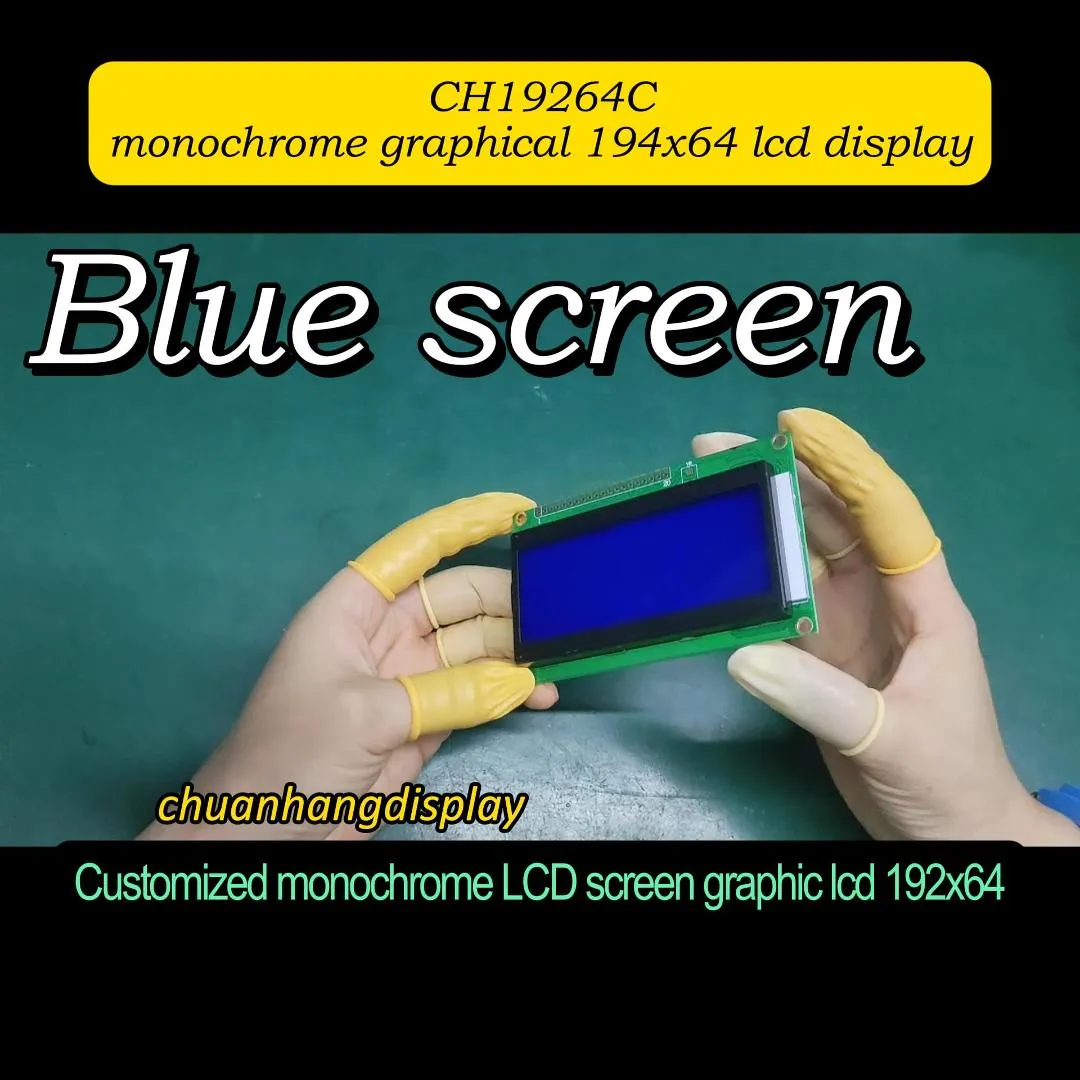
The JHD162A LCD display is a 16x2 character liquid crystal display. It is compatible with the classic Hitachi HD44780 controller. This makes it a standard choice for many projects.
Understanding the module's specifications is crucial for proper integration. The JHD162A offers a balance of performance and simplicity.
Display Format: 16 characters per line, 2 lines.
Controller: Built-in HD44780 equivalent or compatible driver.
Interface: Supports both 4-bit and 8-bit parallel modes.
Backlight: Typically includes LED backlight (often blue or green with white text).
Operating Voltage: 5V DC is standard for logic and backlight.
These features make the module versatile for prototyping and final products.
The standard module has 16 pins. Correct wiring is essential for communication with a microcontroller.
Pins 1-3 (VSS, VDD, V0): Power supply and contrast control.
Pin 4 (RS): Register Select pin for commands or data.
Pin 5 (R/W): Read/Write signal. Often tied to ground for write-only mode.
Pin 6 (E): Enable signal, toggled to latch data.
Pins 7-14 (DB0-DB7): Data bus lines. Used in 8-bit mode.
Pins 15-16 (A, K): Backlight anode and cathode.
This pin configuration is universal for most HD44780-based displays, including the JHD162A LCD display.
The utility of the JHD162A LCD display spans many fields. It provides a clear, low-power text output solution.
This is the most common application area. Hobbyists and engineers use it for feedback and debugging.
Displaying sensor data (temperature, humidity, pressure).
Showing status messages in DIY electronics projects.
Providing a simple menu interface for devices.
Its library support for platforms like Arduino accelerates development.
Despite newer technologies, the 16x2 display remains relevant in cost-sensitive or legacy designs.
Basic control panels for machinery.
Status indicators in network equipment.
Diagnostic readouts in automotive test tools.
Its robustness and readability in various lighting conditions are key advantages.
Connecting a JHD162A LCD display to an MCU is straightforward. The 4-bit mode is popular for saving I/O pins.
A typical connection for an Arduino Uno involves just a few wires and a potentiometer.
Connect VSS to GND and VDD to 5V.
Link V0 to the wiper of a 10k potentiometer for contrast adjustment.
Wire RS, E, and D4-D7 data pins to digital pins on the MCU.
Connect the backlight pins (A, K) through a current-limiting resistor to 5V and GND.
This setup minimizes hardware complexity.
After hardware connection, software must initialize the display. The sequence involves specific commands.
Function Set: Configures data length and display format.
Display Control: Turns the display on, controls cursor visibility.
Clear Display: Clears all characters and returns the cursor home.
Entry Mode Set: Defines cursor move direction.
Using established libraries automates this process.

While the JHD162A is a standard module, variations exist. Choosing a reliable supplier is important.
Different manufacturers may offer slight modifications to the base model.
Backlight Color: Variations include blue, green, red, or no backlight.
Character Color: Typically white, black, or gray on a blue/green background.
Viewing Angle: Standard (6 o'clock) or alternate (12 o'clock) viewing direction.
Packaging: Modules may include or exclude header pins.
Specifying the exact variant ensures it meets your project's visual requirements.
Not all displays perform equally. Factors like consistent contrast and long backlight life matter.
Check for clear datasheets and stable electrical parameters.
Evaluate the quality of the soldering and structural integrity.
Consider suppliers who offer technical support.
Assess lead times and minimum order quantities for production.
Partnering with an experienced manufacturer like Chuanhang Display guarantees a dependable supply of modules like the JHD162A LCD display.
The JHD162A LCD display remains a cornerstone in the world of simple text-based interfaces. Its standardized protocol, wide availability, and ease of integration make it an excellent choice for a multitude of applications. From educational projects to commercial devices, it provides a cost-effective and reliable solution. For engineers and purchasers looking for a proven character display module, the JHD162A, sourced from reputable suppliers, is a solid selection.
Q1: Is the JHD162A LCD display compatible with 3.3V microcontroller systems?
A1: The logic interface typically requires 5V. For 3.3V systems, you need a logic level shifter for the data and control pins. The backlight also usually requires 5V. Always check the datasheet for absolute maximum ratings.
Q2: Can I change the backlight color on a standard JHD162A module?
A2: The backlight color is fixed by the LED components inside the module. To change it, you would need to source a module specifically built with a different backlight color from your supplier.
Q3: What is the typical current consumption of the JHD162A display?
A3: Current draw depends on the backlight. The controller logic consumes around 1-2mA. The LED backlight can consume 20-60mA or more, depending on its color and brightness. A current-limiting resistor is essential for the backlight circuit.
Q4: My display shows only black blocks. What is the likely cause?
A4: Black blocks on all segments usually indicate a contrast issue. Adjust the voltage on the V0 (contrast) pin using a potentiometer. Start with a voltage around 0.5V to 1V. Also, ensure the initialization sequence in your code is correct.
Q5: Can the JHD162A display custom characters or symbols?
A5: Yes. The HD44780 controller allows you to define up to 8 custom 5x8 pixel characters. You program these into the display's CGRAM (Character Generator RAM) and then call them like standard characters in your code.