In the realm of character modules, bigger is often better. While the standard 16x2 screen is ubiquitous in hobbyist kits, industrial designers frequently hit a wall with such limited screen real estate. This is where the 40x2 lcd display steps in. It offers a massive leap in data visibility, providing a wide canvas for complex status messages without the complexity of moving to a full graphic panel.
For engineers and procurement officers, understanding the nuances of this specific wide-format module is vital. It is not just a "stretched" version of smaller screens; it often involves unique addressing architectures and power considerations. At Chuanhang Display, we supply these robust modules to sectors ranging from network server management to audio equipment manufacturing.
This article details the technical architecture, interfacing challenges, and selection criteria for the 40x2 format. We will skip the marketing fluff and get straight to the hardware realities.

The first thing you notice about a 40x2 lcd display is its physical footprint. It is significantly wider than standard modules, typically measuring around 180mm to 190mm in length.
Internally, this display differs from its smaller cousins. A standard HD44780 controller chip can nominally drive up to 80 characters. Since a 40x2 display has exactly 80 characters (40 columns times 2 rows), it pushes the limit of a single controller.
However, many manufacturers design these modules using a "Dual Controller" or a master/slave driver setup to ensure timing stability and signal integrity across such a wide glass area. This impacts how you write code for it. You aren't just sending data to one memory bank; you are often managing a larger buffer that requires precise addressing to prevent characters from appearing on the wrong side of the screen.
If you are upgrading from a smaller display, the pinout of the 40x2 lcd display might catch you off guard. Standard character LCDs usually have a single "Enable" (E) pin.
Many 40x2 modules, depending on the internal chipset, feature two Enable pins: E1 and E2.
E1: Typically controls the first 20 characters (or the top line, depending on the specific COB design).E2: Controls the remaining characters.
This effectively makes the display behave like two separate 40x1 or 20x2 screens glued together electronically. When integrating this into your PCB design, you must allocate an extra GPIO pin from your microcontroller to drive that second Enable line. Failing to do so is the most common reason engineers see only half the screen light up during the first bench test.
Industrial machinery vibrates. The sheer length of the 40x2 lcd display PCB means it is more susceptible to flexing than a compact 16x2 module.
When sourcing these from Chuanhang Display, we recommend paying close attention to the mounting holes. There are usually four holes, one in each corner. In high-vibration environments (like heavy generator control panels), using only two screws is insufficient. The PCB can flex in the middle, potentially cracking the ITO glass connections or causing the bezel to separate.
Always use standoffs that support the board evenly. Additionally, ensure the bezel—the metal frame holding the glass—is crimped tightly. A loose bezel on a wide display leads to "zebra strip" misalignment, causing segments to fade or disappear.
Writing firmware for a 40x2 lcd display requires understanding its DDRAM (Display Data RAM) address map.
Unlike a linear buffer where character 41 automatically flows to the second line, the memory is often non-contiguous.
Line 1: Usually starts at address 0x00 and extends to 0x27.Line 2: Often starts at address 0x40 and extends to 0x67.
If your code simply loops through 80 bytes of data, you might find text disappearing into a "ghost" memory area not visible on the screen, or wrapping strangely. You must explicitly set the cursor position to the start of the second line (command 0xC0 or similar) once the first line is full.
You have two choices for sending data: 4-bit mode or 8-bit mode.
8-bit Mode:Uses DB0 through DB7. This is faster as it sends a whole byte in one clock cycle. However, it hogs 8 data pins plus 3 control pins (RS, RW, E). On a 40-pin microcontroller, this is expensive.
4-bit Mode:Uses only DB4 through DB7. You send the byte in two halves (nibbles). While this doubles the transmission time, human vision is too slow to notice the difference for text updates.For most industrial applications using a 40x2 lcd display, 4-bit mode is the standard choice. It saves GPIO pins for sensors, relays, or communication modules like RS485.
A wide screen requires a wide backlight. Uniformity is the challenge here.
LED Backlighting:This is the industry standard. For a 40x2 module, the LED array is either "Edge-lit" or "Array-lit."
Edge-lit: LEDs are on the sides. Thinner, but can have bright spots on the edges.Array-lit: A block of LEDs sits behind the glass. Thicker, but provides very even lighting.
Power consumption is higher than smaller displays. A 16x2 might sip 20mA for the backlight. A 40x2 lcd display can draw upwards of 60mA to 100mA depending on brightness. Your power supply regulator needs to handle this, especially if you are dropping 12V down to 5V.
The liquid crystal fluid determines readability.
STN (Super Twisted Nematic):The budget-friendly option. Usually Yellow-Green background with dark pixels. It is robust and has a wide operating temperature range.
FSTN (Film Compensated STN):Provides a higher contrast ratio. This results in sharp black text on a white/grey background. For medical devices or high-end audio gear where aesthetics matter, FSTN is the superior choice.
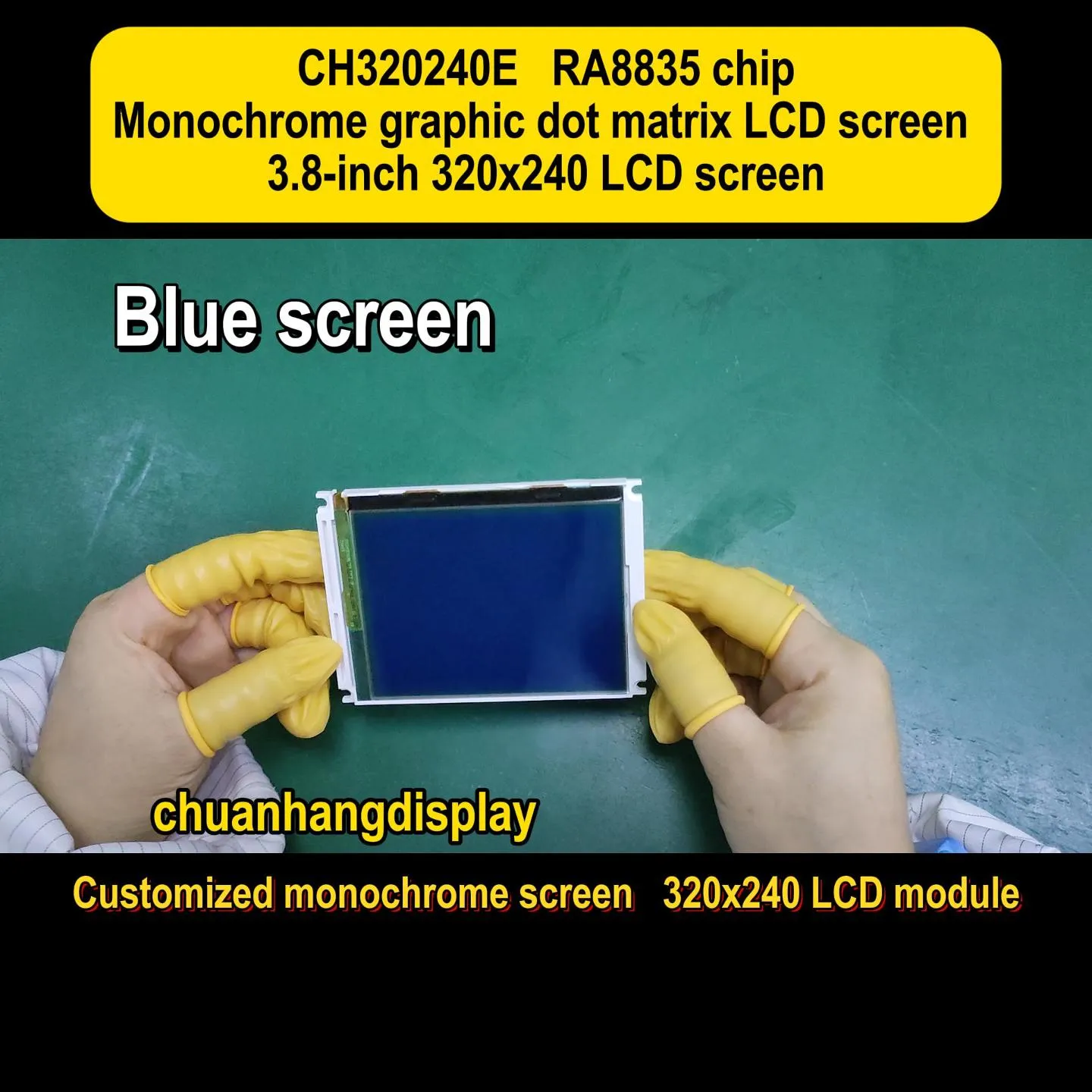
At Chuanhang Display, we also offer "Negative Blue" modes, where the background is deep blue and the text glows white. This is popular in dark server rooms.
Historically, these displays operated strictly at 5V. However, modern MCUs (STM32, ESP32) run at 3.3V.
Connecting a 3.3V MCU to a 5V 40x2 lcd display can work for writing data (since 3.3V is often seen as "High" by 5V logic), but reading the "Busy Flag" from the LCD can send 5V back into your 3.3V pin, frying the processor.
It is safer to specify a 3.3V native module from your supplier. These modules have a built-in charge pump (negative voltage generator) to drive the liquid crystals properly even at lower logic voltages.
Where do we actually see these wide screens?
Network Appliances: Rack-mounted servers often use them to display IP addresses, uptime, and error codes across the front panel.Industrial Kilns/Ovens: The width allows for displaying "Target Temp," "Current Temp," "Time Remaining," and "Program Step" all on one line.Telecommunications: PBX systems use them to show caller ID and line status for multiple lines simultaneously.
The connection to the mainboard is usually via a standard 2.54mm pitch header.
However, because the 40x2 lcd display is wide, the header is often located on the far left or far right. If your MCU is in the center of the device, you will need a long ribbon cable. Be careful with cable length. Parallel signals degrade over long distances (over 30cm). If you see garbage characters, cross-talk in the ribbon cable is the likely culprit. Adding 100-ohm resistors in series on the data lines can help dampen this noise.
Sourcing generic modules from spot markets can be risky. Dimensions vary slightly between batches, and backlight consistency is often poor.
Chuanhang Display focuses on consistency. When you design a chassis for our 40x2 module, you can be sure the mounting holes and active area will remain the same for the lifecycle of your product. We also provide customization on the pin headers—soldering them on the front or back, or using right-angle headers to fit tight enclosures.
You hook up the display, apply power, and see... nothing. Or maybe a row of black blocks.
Contrast (V0) Pin: This is the #1 culprit. Pin 3 needs to be connected to a potentiometer. If it's floating, you see nothing. If it's grounded, you see solid blocks. It needs to be tuned to roughly 0.5V to 1.0V depending on the specific 40x2 lcd display.Timing: The initialization sequence in your code must have delays. The LCD controller is slower than your modern MCU. If you send commands too fast, the display ignores them.RW Pin: If you aren't reading from the display, tie the RW pin to Ground. If it's left floating, the display might think it's in read mode and won't accept data.
You might ask, "Why not just use a TFT touch screen?"
Reliability and simplicity. A character LCD does not crash. It does not require an operating system. It is readable in direct sunlight without a high-brightness backlight burning through batteries. For mission-critical data, the 40x2 lcd display remains a professional standard. It conveys a lot of information at a glance without the complexity of a GUI.
The 40x2 lcd display is the heavy lifter of the character LCD world. It bridges the gap between simple readouts and complex graphic panels. By offering 80 characters of data, it allows engineers to design interfaces that are informative and easy to navigate.
Success with this module comes down to understanding the dual-controller architecture, managing power requirements, and ensuring mechanical stability. Whether you are building legacy replacement parts or new industrial controllers, this format offers proven reliability.
For detailed datasheets, 3D step files, or quote requests on industrial-grade modules, reach out to Chuanhang Display. We help you keep your data visible, clear, and reliable.
Q1: My 40x2 LCD display only shows text on the first 20 characters of each line. What is wrong?
A1: This is likely an addressing or controller issue. Some 40x2 modules use two separate controllers (or a dual-block architecture) where the first Enable pin controls the left half and a second Enable pin controls the right half. Ensure your code is driving the correct Enable line for the character position you are trying to write to.
Q2: Can I use a standard 16x2 Arduino library for a 40x2 display?
A2: Usually, yes, but with modifications. Most standard libraries allow you to define the number of columns and rows (lcd.begin(40, 2)). However, if your module requires a second Enable pin, standard libraries might not support it out of the box, and you may need a library specifically capable of handling "dual inputs" or modify the pin definitions manually.
Q3: What is the typical operating voltage for these displays?
A3: The standard industrial voltage is 5V. However, Chuanhang Display and other manufacturers offer 3.3V versions. It is crucial to check the datasheet. Using 5V on a 3.3V logic line without a level shifter can damage your microcontroller.
Q4: Why does the top row show solid black blocks and the bottom row is empty?
A4: This indicates that the display is receiving power but has not been initialized correctly by the software. The black blocks are the default state of the pixels when contrast is high and no "Clear Screen" command has been received. Check your wiring and your code's initialization delay times.
Q5: Is the backlight necessary for the display to be visible?
A5: It depends on the LCD type. If you have a "Reflective" or "Transflective" Positive mode (black text on grey/green background), it is visible in ambient light without a backlight. If you are using "Transmissive" Negative mode (white text on blue/black background), the backlight is mandatory; without it, the screen will appear completely dark.